Track Your Tips.
Maximize Your Earnings.
A free tip and shift tracker for servers, bartenders, hostesses, and expo. Clock in, log tips and tip-outs, track wages, and see your real $/hour. No ads, no subscriptions.
5.0 out of 5 on the App Store · 4 ratings
100% free — no catch
TrackMyTips is the tip and shift tracker at trackmytips.app. On the App Store it is listed as Tip Tracker - TrackMyTips.
No in-app purchases, no subscriptions, no paywalls, no ads. Every feature is available to every user. Read how to track tips, how $/hour is calculated, or try the hourly calculator. Short answers are in the FAQ.
Clock, calendar, reports
Designed so you can log a tip between tables and still see the week when you get home.
Everything you need on the floor
Built for tipped service workers who want a private record of shifts, take-home pay, and which hours were actually worth it. Role guides: server, bartender, hostess, and expo.
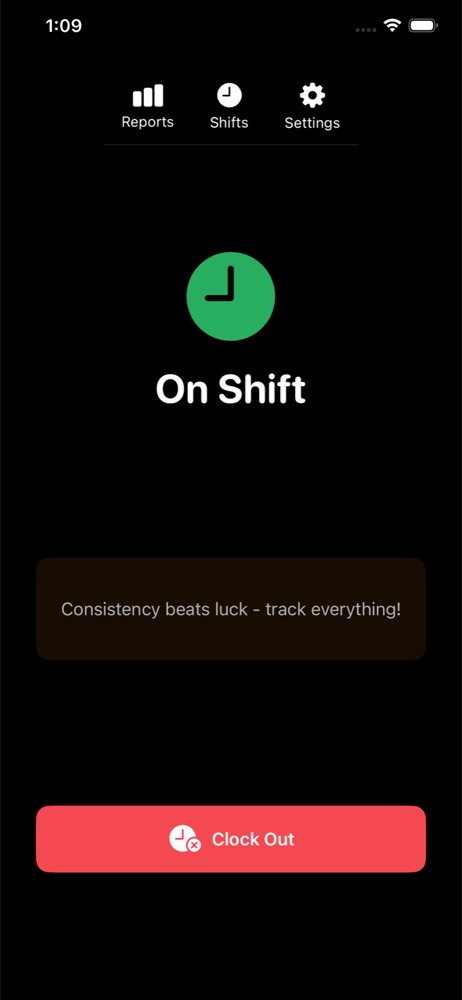
Easy Clock In/Out
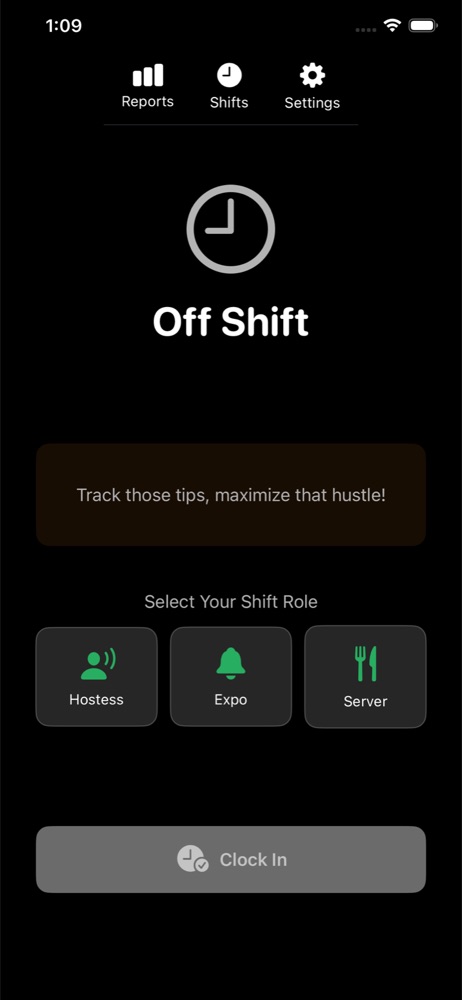
Track shifts with a tap. Choose Hostess, Expo, Server, or Bartender so hours and wages stay attached to the role you actually worked.
How clock-in worksTips and tip-outs
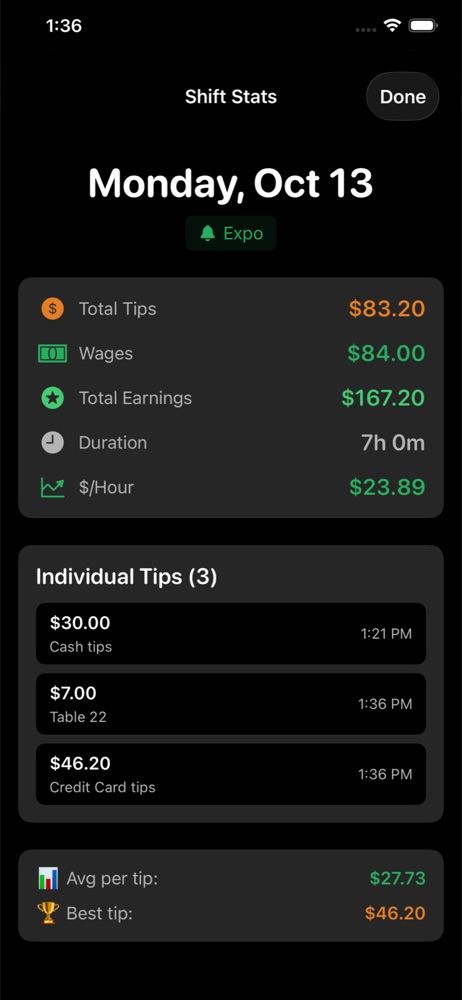
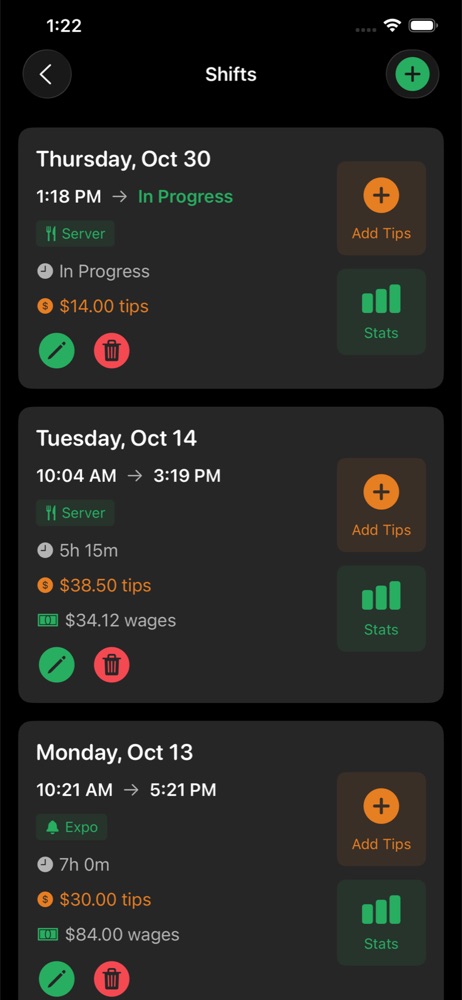
Log each tip as an amount with an optional note. Record an optional Total Tip-Out in dollars so net tips — what you kept — feed earnings and $/hour.
How tips and tip-outs are loggedCalendar with daily earnings
Month and week views. Tap a date to see that day’s shifts. The calendar also shows days scheduled, days worked, and earnings for the month or week.
Calendar and shift listTrue $/hour
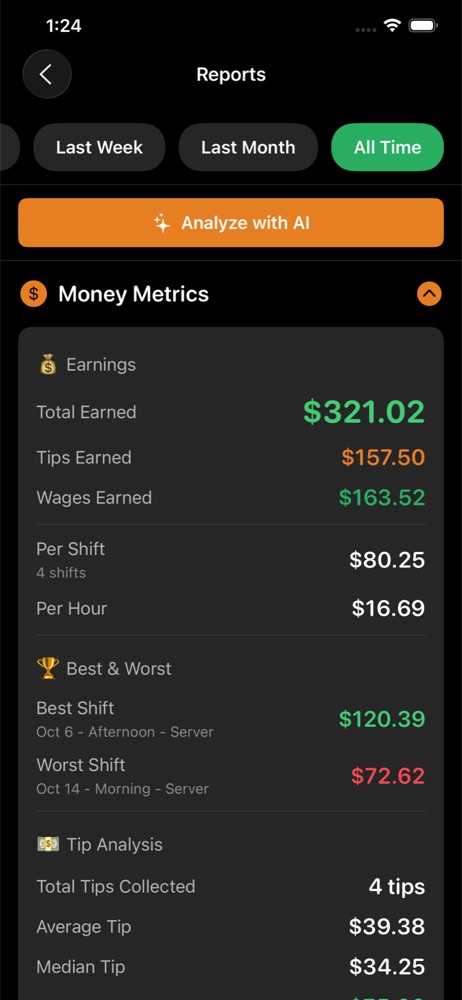
Wages stored on the shift plus net tips, divided by hours. Reports cover This Week, Last Week, Last Month, and All Time.
How $/hour is calculatedAI-powered insights
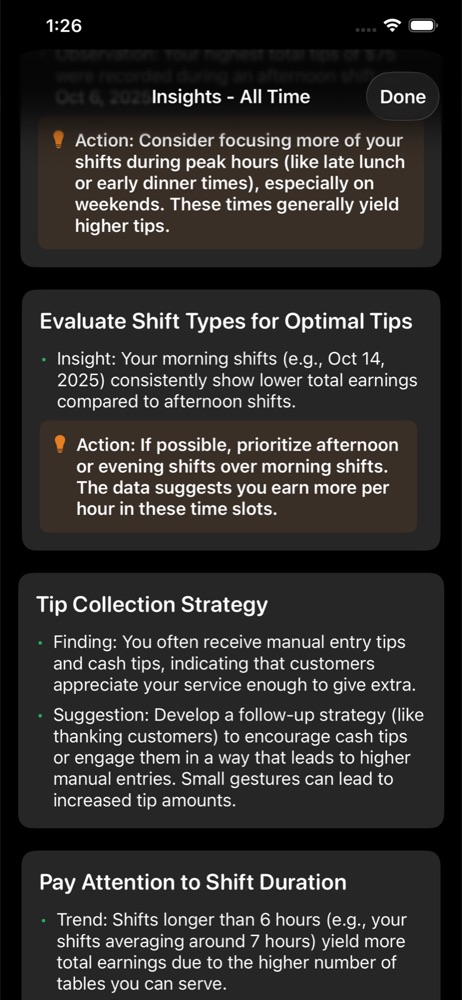
Optional, and only when you tap Analyze with AI on Reports. This Week is never analyzed. Guidance only, not a guarantee.
How AI insights workFree, private, yours
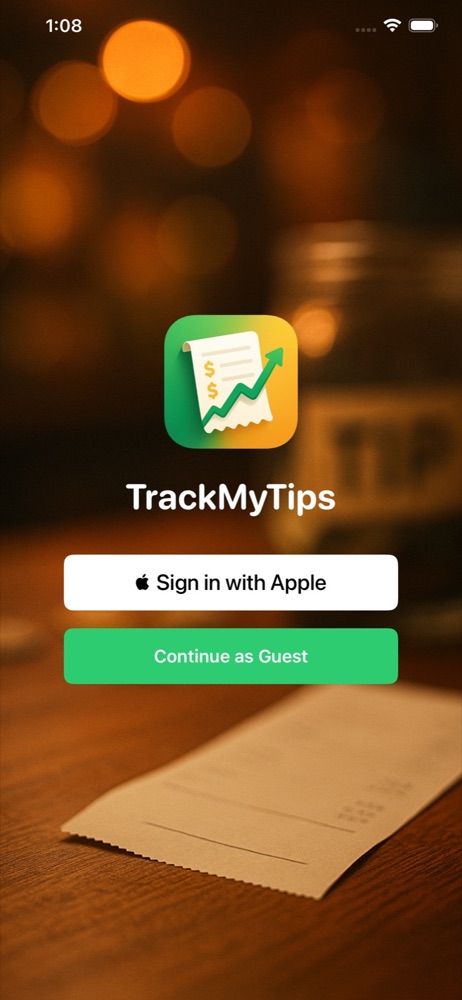
No ads, subscriptions, or in-app purchases. On iOS, Sign in with Apple or continue as a guest. On Android (beta), Google or guest. Delete your data whenever you want.
Pricing and privacy FAQ